agentOS Block Manager
BlogContactFAQFeaturesHow it worksIntegrationsSecurityUse cases
Get started
agentOS Block ManagerGet started
agentOS Block Manager
HomeBlogContactFAQFeaturesHow it worksIntegrationsSecurityUse cases
Get started
agentOS Block Manager
BlogContactFAQFeaturesHow it worksIntegrationsSecurityUse cases
TermsPrivacyData Processing

© 2026 agentOS Block Manager

[ CONNECTIONS / LIVE ]

Your banking stack, your accounting system — all reading from the same source of truth

agentOS Block Manager connects to the accounts you already use. Open banking via TrueLayer, native ring-fenced client accounts via Calmony, and P&L pulls from Xero, QuickBooks, and Sage — so your ledger stays current without manual exports.

TRUELAYERBank feed connected — 3 new transactions imported0s
CALMONYReserve account opened for Block: Elmwood Court12s
XEROP&L pulled — Block: Harrington Gardens — 147 line items28s
RECONCILIATIONAuto-match: 14 of 17 transactions matched to open demands41s
CALMONYPayment initiated — contractor invoice INV-0042 — £3,20055s
QUICKBOOKSOAuth token refreshed — Block: Abbeyfield House1m 03s
SAGENominal code mapping verified — 8 categories aligned1m 19s
TRUELAYERBank feed connected — 3 new transactions imported0s
CALMONYReserve account opened for Block: Elmwood Court12s
XEROP&L pulled — Block: Harrington Gardens — 147 line items28s
RECONCILIATIONAuto-match: 14 of 17 transactions matched to open demands41s
CALMONYPayment initiated — contractor invoice INV-0042 — £3,20055s
QUICKBOOKSOAuth token refreshed — Block: Abbeyfield House1m 03s
SAGENominal code mapping verified — 8 categories aligned1m 19s
TRUELAYERBank feed connected — 3 new transactions imported0s
CALMONYReserve account opened for Block: Elmwood Court12s
XEROP&L pulled — Block: Harrington Gardens — 147 line items28s
RECONCILIATIONAuto-match: 14 of 17 transactions matched to open demands41s
CALMONYPayment initiated — contractor invoice INV-0042 — £3,20055s
QUICKBOOKSOAuth token refreshed — Block: Abbeyfield House1m 03s
SAGENominal code mapping verified — 8 categories aligned1m 19s
TRUELAYERBank feed connected — 3 new transactions imported0s
CALMONYReserve account opened for Block: Elmwood Court12s
XEROP&L pulled — Block: Harrington Gardens — 147 line items28s
RECONCILIATIONAuto-match: 14 of 17 transactions matched to open demands41s
CALMONYPayment initiated — contractor invoice INV-0042 — £3,20055s
QUICKBOOKSOAuth token refreshed — Block: Abbeyfield House1m 03s
SAGENominal code mapping verified — 8 categories aligned1m 19s
[ HOW IT WORKS ]

One ledger view, regardless of where the data comes from

  1. STEP 01 — CONFIGURE

    Choose your account source

    For each block, select one of four data routes: TrueLayer open banking, a Calmony client account, manual CSV ledger, or an accounting connector (Xero / QuickBooks / Sage). Each route can be configured independently per block or shared across an owner's portfolio.

  2. STEP 02 — INGEST

    Transactions flow into the unified ledger

    Whether data arrives via real-time Calmony feed, TrueLayer bank polling, or a manual CSV import, all transactions land in the same unified ledger view. Source attribution is preserved — you always know where a transaction came from.

  3. STEP 03 — MATCH

    Auto-match against demands and invoices

    Incoming transactions are compared against open service charge demands and contractor invoices using amount, payment reference, and date. Matched items are pre-categorised; unmatched items go to the reconciliation queue for manual review.

  4. STEP 04 — REPORT

    P&L and reserve fund data, always current

    Categorised transactions build the block P&L in real time. For connector-linked blocks the P&L is pulled directly from Xero, QuickBooks, or Sage. Reserve fund balances feed straight into the capital expenditure planner for gap analysis.

console
0.2sblock: Elmwood Court
0.5saccount_source: calmony
0.9smain account + reserve account opened
0.3sfeed: calmony -> ledger ingest
0.6s3 transactions received
1.0sledger updated in real time
0.2smatching: fuzzy ref + amount + date
0.5s14 / 17 transactions auto-matched
0.9sarrears recalculated
0.3sp_and_l: build from ledger | pull from xero
0.7sreserve_fund: gap_analysis -> running
1.1sblock dashboard updated

Connect your accounts. Close the gap between what you collect and what you report.

agentOS Block Manager is in active development with 105 features shipped. Join the waitlist to be first to connect your banking stack and get early access.

Questions about a specific integration? Email us at sf-core-org-support-agentos-block-manager@saas-factory.ai

[ OPEN BANKING / READ-ONLY ]

TrueLayer: live bank feeds without screen-scraping

Connect any FCA-regulated UK bank account to a block's management account via a read-only OAuth connection. Transactions arrive in the unified ledger in real time, with automated matching against open service charge demands and contractor invoices — reducing the categorisation queue before you even open the dashboard.

  • Read-only OAuth — no payment access, no risk

  • Re-authentication every 90 days per Open Banking SCA rules

  • Fuzzy-match imports against amounts, references, and dates

  • Multiple accounts connectable per block

[ CALMONY / NATIVE ]

Ring-fenced client accounts, opened without leaving Block Manager

Calmony is the only banking integration that does more than read. Apply, open, and operate RICS-compliant ring-fenced block accounts entirely within the platform — main account and reserve fund, individually segregated per block.

Apply within Block Manager

Start and complete a Calmony account application from the block record — no separate onboarding portal.

Real-time native transaction feed

[ ACCOUNTING CONNECTORS ]

Xero, QuickBooks, and Sage: the P&L you built, displayed where you work

If your accounts already live in an external system, we pull the P&L directly rather than rebuilding it from ledger data. OAuth 2.0 authentication per connector, configurable at owner or block level. No duplicate data entry — the accounting system you've always used becomes the reporting engine.

  • Xero UK OAuth 2.0 pull at owner or block level; UK edition nominal codes handled natively.

  • QuickBooks Online UK Equivalent connector — same P&L pull behaviour, QuickBooks UK chart of accounts respected.

  • Sage Online OAuth 2.0 with a nominal code mapping step — critical for agents who've customised their Sage structure.

[ MANUAL ROUTE ]

Not on TrueLayer? The manual ledger has you covered.

For banks that don't support open banking, import a CSV export from any UK bank. A column mapping step handles every format difference. Imported transactions enter the same pending queue and categorisation workflow as any other source — the rest of the platform behaves identically.
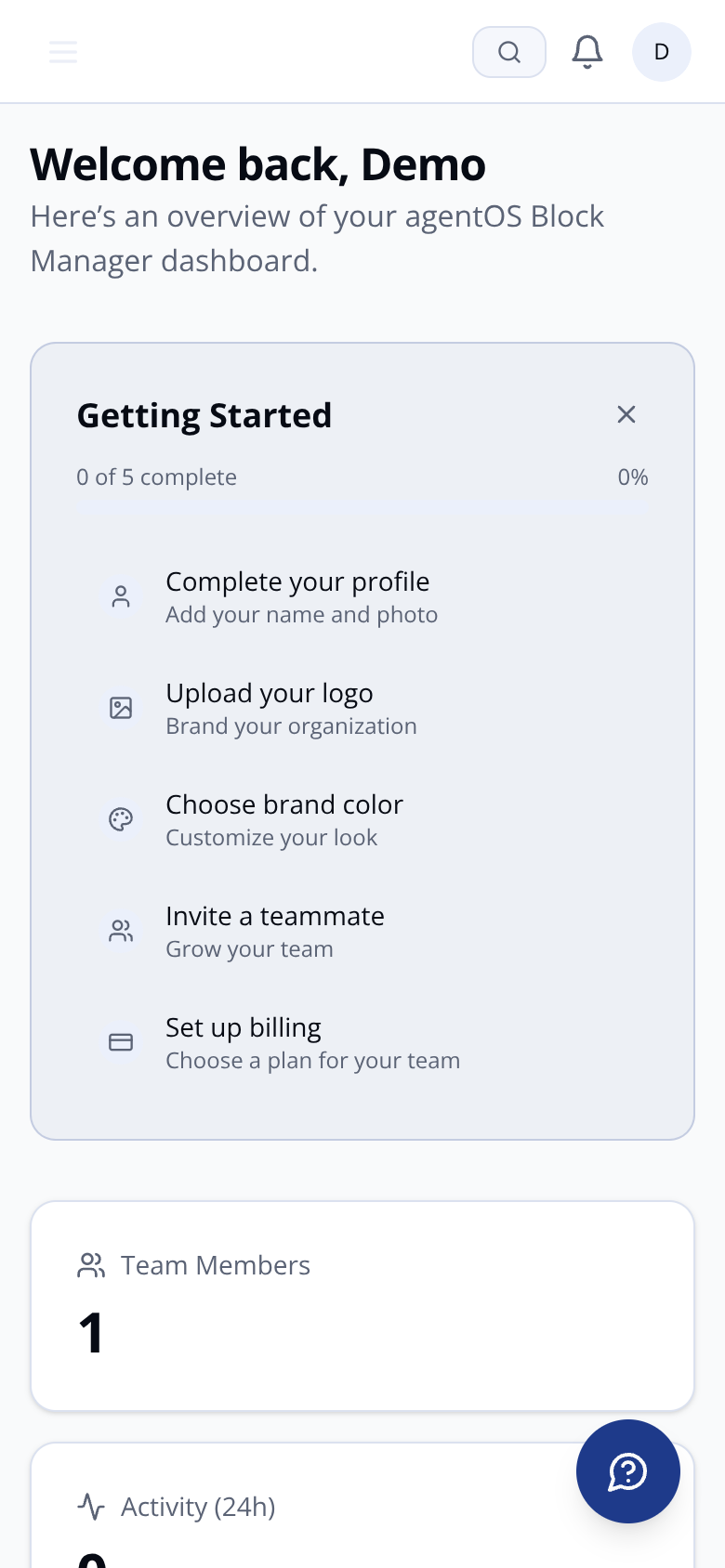
Mobile view of agentOS Block Manager dashboard

CSV import — four sources, one workflow

[ SECURITY / COMPLIANCE ]

Built on the rules that govern client money — not retrofitted to them

AES-256 encryption at rest

All financial data — ledger transactions, bank feeds, service charge demands — encrypted at rest with AES-256 and in transit with TLS 1.2+.

Multi-tenant data isolation

Every managing agent operates in a fully isolated data environment. No query, report, or API response can cross tenant boundaries.

[ INTEGRATIONS / MATRIX ]

Which connection is right for your portfolio?

TrueLayer — open banking feed

Best for: agents whose bank supports FCA open banking and who want automated transaction import without a separate bank account. Read-only. Re-auth every 90 days.

Calmony — native client account

Best for: agents who want RICS-compliant ring-fenced block accounts with real-time data and in-platform payment initiation. Requires a Calmony account per block.

Xero / QuickBooks / Sage — P&L pull

[ FAQ ]

Integration questions, answered

Unmatched transactions surface in a reconciliation queue
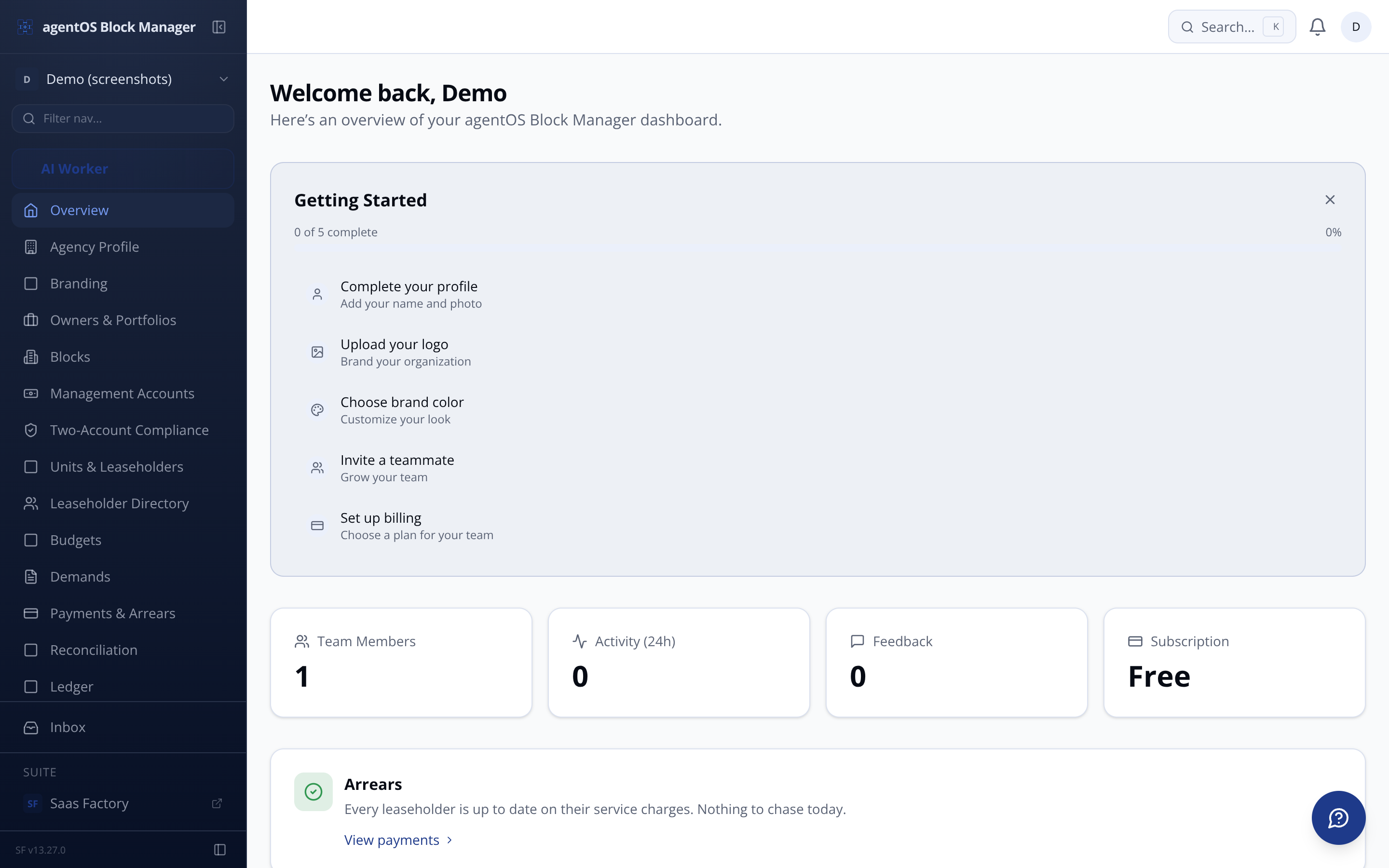
agentOS Block Manager dashboard showing live transaction ledger

Every credit, debit, and transfer appears in the unified ledger within seconds via the internal Calmony API — tighter than any open banking poll.

Pay contractors without leaving the platform

Initiate payments directly from an approved work order. Authorisation, logging, and ledger entry happen in one step.

FCA-aligned client money handling

Each block's funds are ring-fenced and separated from the agent's own money, in line with CASS and RICS client money protection requirements.

Audit-ready transaction history

Export a complete, formatted transaction record per block — every credit, debit, and interest entry — ready for external accountants.

Payment request workflow

Raise formal third-party payment requests (leaseholder refunds, freeholder payments) from Block Manager; approval and status track back automatically.
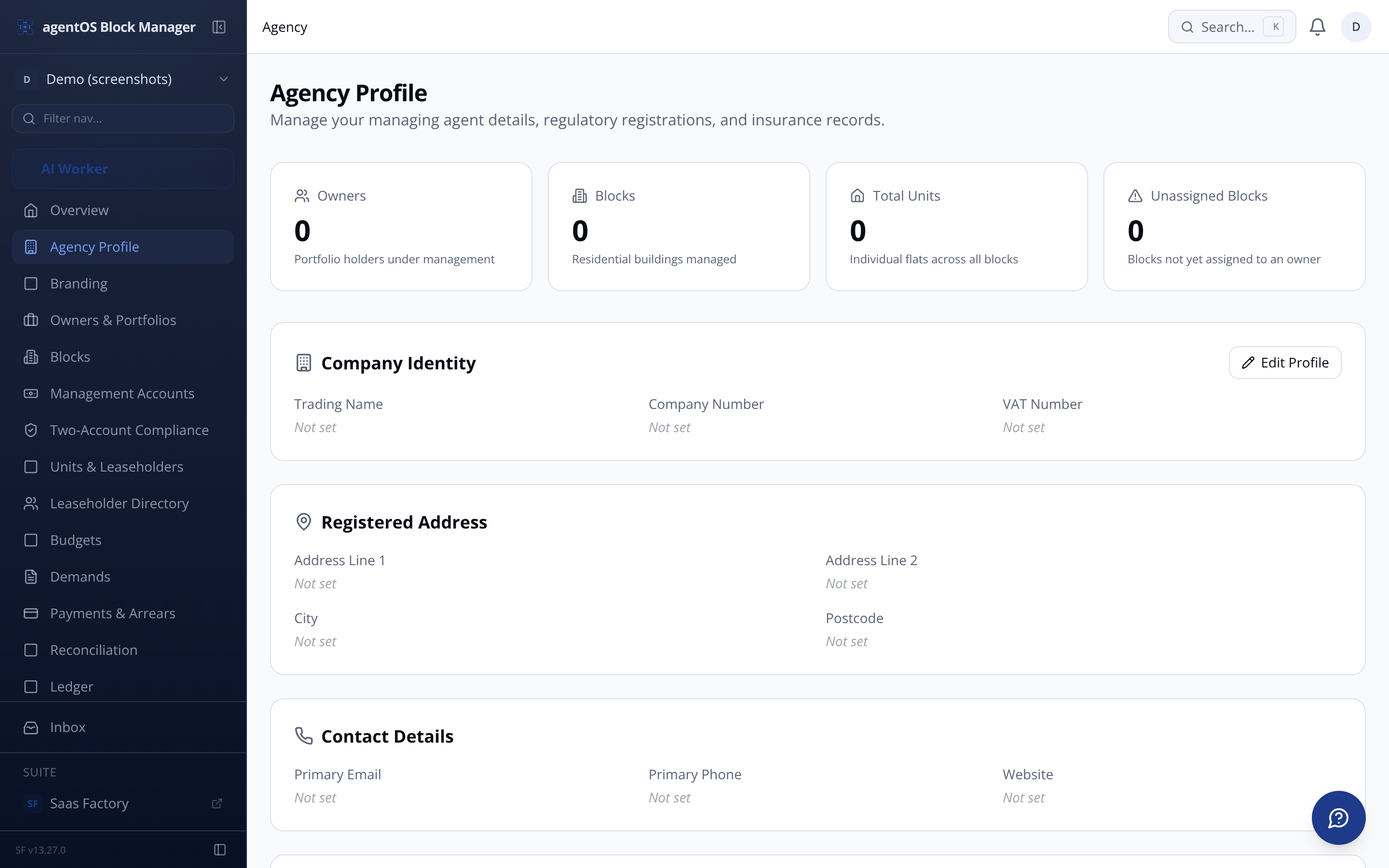
Connector-linked blocks bypass the ledger-based P&L build entirely. Switch between sources at any time from the management accounts configuration.
Agency and connected accounts settings page in agentOS Block Manager

Upload any UK bank's CSV export via drag-and-drop

  • Map columns to ledger fields once; reuse that mapping each month

  • Imported transactions enter the same categorisation queue as TrueLayer and Calmony data

  • Uncategorised transactions excluded from P&L until reviewed — no silent errors

  • Reconciliation status dashboard shows matched %, unreconciled items, and last import date

  • Agents switching from spreadsheets can also use the leaseholder CSV bulk import to bring service charge history across in a single migration run.

    UK data residency — always

    All personal and financial data stored exclusively in UK-based data centres. UK GDPR compliant, including subject access request support.

    Best for: agents whose bookkeeper or accountant already maintains block accounts in an external system. P&L is pulled on demand; the accounting system remains the source of truth.

    Manual CSV ledger

    Best for: agents whose bank doesn't support open banking or who are migrating from spreadsheets. Full categorisation workflow applies; no automation gap — just a manual import step.

    It does more than show a balance. The engine runs a year-by-year projection across up to 20 years, starting from your live reserve fund balance, adding monthly contributions with an inflation uplift you set per block, and deducting each forecast replacement event in the year it falls due. When any future year shows a shortfall, an alert fires automatically on the block dashboard and your agent-level dashboard, naming the specific assets driving the gap and the exact shortfall amount. You can then run scenario models — adjusting contributions, replacement dates, or inflation assumptions — without clearing the alert until the gap is genuinely resolved. It is connected in real time to the asset register, so any condition rating change or cost update on an asset immediately ripples through the projection.
    The platform connects to Xero (UK edition), QuickBooks Online (UK edition), and Sage Online, all via OAuth 2.0 authentication. These connectors pull the P&L report directly from your existing accounting system and display it inside Block Manager — they are not ledger sources and they do not replace your accountant's workflow. For blocks where you are not using an external accounting package, the platform builds the P&L from its own unified ledger, which consolidates transactions from TrueLayer open banking, Calmony, and manual CSV imports into a single view. The agent-facing P&L interface looks the same regardless of source. Sage requires an additional nominal code mapping step to align its chart of accounts to Block Manager's reporting categories.
    Each block's funds are ring-fenced at the account level. Calmony accounts opened through the platform are individually ring-fenced as client money, kept entirely separate from other blocks' funds and from the agent's own money, in compliance with RICS client money protection requirements and FCA client money rules where applicable. Management fee income is tracked as a distinct transaction type and nominal code category and is never reported alongside block client funds in any ledger or P&L output. The platform enforces this separation as a hard rule — no cross-block fund transfers are permitted except through a formal payment request workflow, and portfolio reporting is always scoped to a single owner's blocks, because different owners' funds are legally distinct client money.
    Every leaseholder has an individual ledger recording every demand raised and every payment received, producing a live running balance at all times. Arrears are recalculated continuously as payments arrive, including partial payments and payment plan instalments. The arrears dashboard gives each unit a RAG status with days overdue and total outstanding, and the portfolio view surfaces your top blocks by arrears so nothing slips unnoticed. Payments imported via TrueLayer or Calmony are auto-matched to open demands by reference and amount, reducing manual reconciliation work. Unmatched payments go to a suspense queue flagged for your review rather than being silently ignored. Service charge demands are dispatched as branded PDF letters with a QR code payment reference, and the communications centre lets you target bulk messages specifically at leaseholders in arrears.
    Yes. The Section 20 tracker manages the full three-stage statutory process under the Landlord and Tenant Act 1985 for contracts exceeding £250 per unit: Notice of Intention, Notice of Proposal with contractor nominations and estimates, and Award Notice. Each stage records dispatch dates, observation period deadlines, and leaseholder responses. The platform generates compliant notice documents as PDFs and sends an automated reminder five days before each observation period closes so a missed deadline is not a realistic risk. A status timeline shows the current stage, days elapsed, and next deadline at a glance. All notices and leaseholder responses are stored with their dispatch dates for audit purposes.
    All financial data is encrypted at rest using AES-256 and in transit using TLS 1.2 or higher. The platform is built on a strict multi-tenant architecture — each managing agent's account is a completely isolated data environment, with no possibility of cross-tenant data access at any layer. All personal data is processed in accordance with UK GDPR, and all data is stored exclusively in UK-based data centres, including backups and logging — there is no offshore data residency. The platform supports subject access requests and right to erasure (subject to financial record retention obligations). Documents uploaded to the platform are virus-scanned automatically on upload. Role-based access control with five defined roles — from Principal down to Leaseholder portal access — means every user sees only what their role permits.