agentOS Block ManagerGet started
[ HOW IT WORKS / THE FULL PICTURE ]
agentOS Block Manager is built around a five-level entity hierarchy — Managing Agent → Owner → Block → Unit → Management Accounts. Every action you take maps to that structure, so your data is always clean, scoped, and auditable. Here is exactly what happens at each stage.
Create your Managing Agent account, then add Owner records — individual landlords or corporate freeholders. Each Owner gets a portfolio-level financial view. Only then can you create Block records beneath them. The platform enforces this order: no orphan blocks, no ambiguous ownership, no cross-owner data bleed.
Each block needs at least one management account source before financial reporting unlocks. Connect a bank via TrueLayer open banking, open a ring-fenced Calmony client account in-app, upload a CSV from any UK bank, or link Xero, Sage, or QuickBooks. Then populate the Asset Register — plant and equipment, building fabric, compliance works — with install dates, lifespans, and replacement costs. Missing figures draw from the built-in benchmarking table.
Draft the annual budget with line-item categories, preview per-unit apportionment, then approve and finalise. Finalising triggers service charge demand generation — each demand is a branded PDF with an itemised breakdown, bank details, and a payment reference QR code, dispatched to leaseholders via the communications centre. Payments come back through the bank feed or CSV import, auto-matched to demands. Arrears update in real time on every leaseholder ledger.
The Certificate Register tracks every statutory certificate — fire risk assessment, EICR, EWS1, gas safety, lift inspection — with automated reminders at 90, 30, and 7 days before expiry. The compliance audit trail logs every action taken. AGM and EGM workflows handle agenda building, 20-day notice dispatch, vote recording, quorum checking, and signed PDF minutes. Section 20 consultation and lease extension notices are tracked with statutory deadlines auto-calculated.
[ GET STARTED / JOIN THE WAITLIST ]
agentOS Block Manager is built for the agent running a one-person operation and the portfolio firm managing dozens of blocks. The workflow is the same — the scale is yours to set. Join the waitlist and be first to access the platform.
Questions about implementation? Email us at sf-core-org-support-agentos-block-manager@saas-factory.ai
[ DASHBOARD / LIVE PORTFOLIO VIEW ]
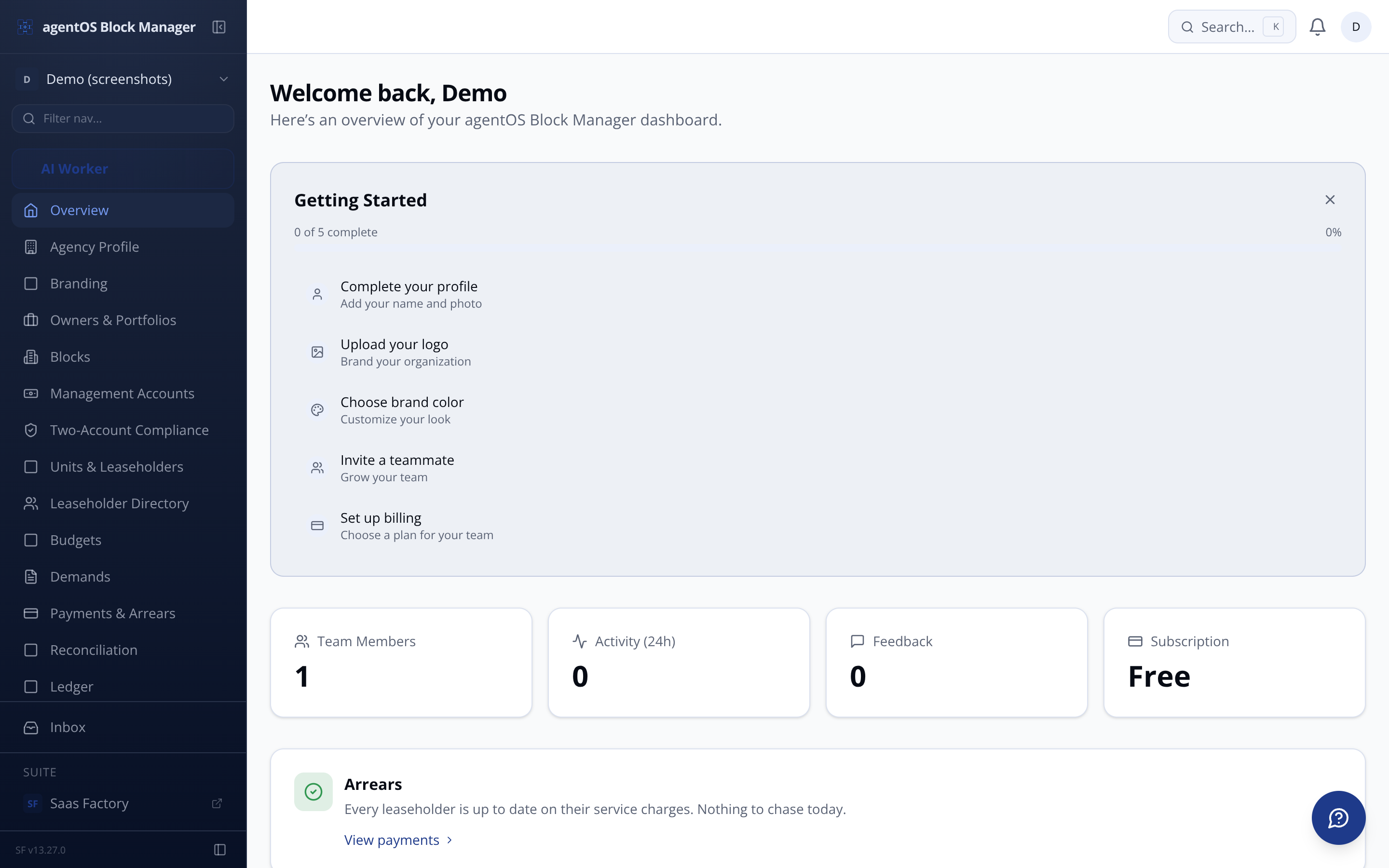
The agent-level dashboard surfaces what matters right now: gap alerts on reserve funds, certificates expiring this month, unassigned transactions in the pending queue, and blocks with outstanding compliance actions. Every number drills through to the block or unit record it came from.
Reserve fund gap alerts Shortfall years surfaced the moment asset data or account balances change
Compliance RAG grid Portfolio-wide certificate status across all blocks and certificate types
Arrears ranking Top blocks by outstanding service charge balance, updated in real time
[ RESERVE FUND / YEAR-BY-YEAR PROJECTION ]
Behind every reserve fund projection is a year-by-year calculation engine. Here is precisely what it does:
The current reserve account balance — pulled in real time from TrueLayer, Calmony, or manual entry — is the projection's starting point. No manual input required when a live feed is connected.
Monthly contributions are added year by year, with a configurable annual inflation uplift applied to future replacement costs. Set per block to reflect local market conditions or a surveyor's recommendation.
[ FINANCIAL LEDGER / THREE SOURCES, ONE VIEW ]
Connect via TrueLayer open banking for automatic transaction import with demand matching. Open a Calmony client account in-app — ring-fenced, FCA-aligned, with native real-time feed and payment initiation without leaving the platform. Or import a CSV from any UK bank with the column-mapping tool.
Already on Xero, Sage, or QuickBooks? Connect via OAuth and pull P&L directly from your accounting system — the ledger-build step is bypassed entirely for those blocks.
[ ROLES / ACCESS CONTROL ]
Role assignment is managed by the Principal. Permissions cascade through the entity hierarchy and are enforced at every query — not just the UI. Leaseholders see only their own unit and block. Owners see only their own portfolio. No role can access data outside its permitted scope.
Full administrative access. Manages team, roles, branding, and all blocks across the organisation.
[ COMPLIANCE / CERTIFICATE TRACKER ]
Upload each certificate — fire risk assessment, EICR, EWS1, gas safety, lift inspection, asbestos survey, legionella — with issue and expiry dates. Status calculates automatically: Valid, Expiring Soon (within 90 days), or Expired.
Automated reminders fire at 90, 30, and 7 days before expiry. The portfolio compliance view shows a RAG status grid across every block and certificate type at once — so nothing slips through during a busy quarter.
Compliance audit trail — immutable, timestamped, per action
Compliance Works assets link directly to certificate deadlines
Section 20 major works consultation tracked with statutory observation deadlines
[ FIELD / MOBILE-OPTIMISED INSPECTION ]
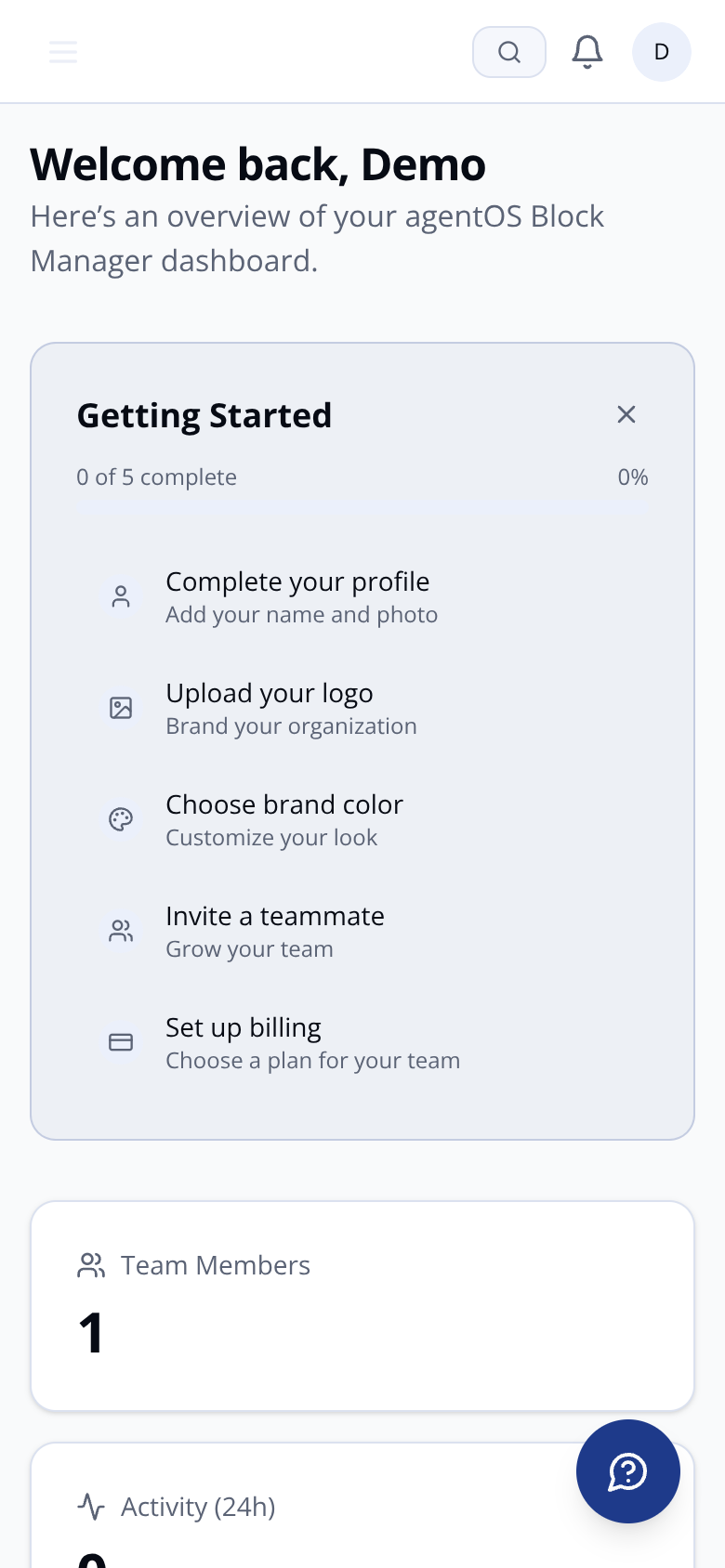
The mobile-optimised inspection view works offline — the checklist is cached via service worker so you can complete it in a basement plant room with no signal. Swipe to pass or fail each item, add voice-to-text notes, and GPS-stamp photos from your camera. Everything syncs when connectivity returns.
Service worker caches the block checklist so you can inspect without signal. Syncs via tRPC when connectivity returns.
Dictate inspection observations hands-free. Web Speech API transcribes in real time — no typos on a cold morning.
[ FAQ / COMMON QUESTIONS ]
Unassigned transaction queue Pending ledger items flagged until categorised — excluded from reporting until resolved
Each asset's projected replacement year — calculated from install date plus estimated lifespan, or overridden manually — triggers a deduction in that year. Condition ratings of 1 or 2 pull the date forward automatically.
[ ASSET REGISTER / GAP DETECTION ]
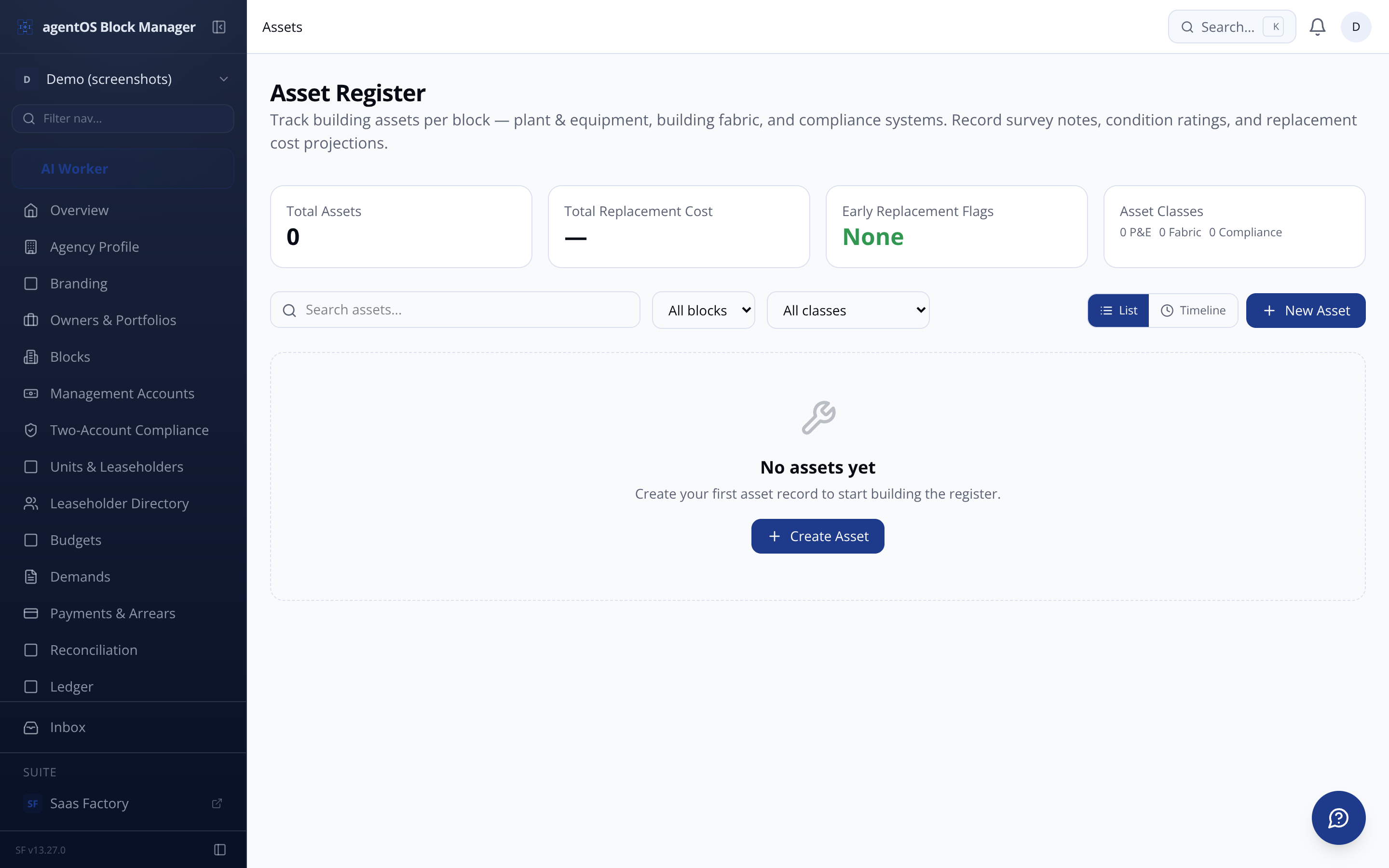
Plant and Equipment (lifts, boilers, fire panels), Building Fabric (roof, cladding, glazing — with section-by-section sub-entries for partial replacements), and Compliance Works (EPC upgrades, fire remediation — linked to certificate deadlines rather than lifespan cycles).
Missing cost data draws from the benchmarking reference table and is flagged as estimated until you replace it with a confirmed surveyor or contractor figure. Gap alerts fire on the block and portfolio dashboards the moment a shortfall year appears.
Automatic replacement year from install date + lifespan
Manual override with full audit record
Condition flag at rating 1 or 2 overrides the schedule
Benchmarking table fills gaps — estimated flag applied
Pending queue discipline Uncategorised transactions excluded from P&L until assigned
Client money protection Block funds ring-fenced, never commingled with agent management fee income
AES-256 encryption at rest TLS 1.2+ in transit, UK data residency throughout
Operational access across assigned blocks. Raises demands, logs works, uploads certificates, runs meetings.
View access with no data modification. Suitable for auditors, external accountants, or RMC directors observing the portfolio.
Portal access scoped to their own unit — demand history, documents, meeting minutes published by the agent.
Portfolio-level view across their blocks. Financial summaries, compliance status, reserve fund health — read access, no operational write capability.
Section 42 lease extension notices with counter-notice deadline auto-calculation
Every photo captures a GPS location stamp and timestamp. Evidence is linked to the inspection record, not floating in a camera roll.
